The Reporting section in Lidia PIM provides visibility into system activities and changes performed across the platform.
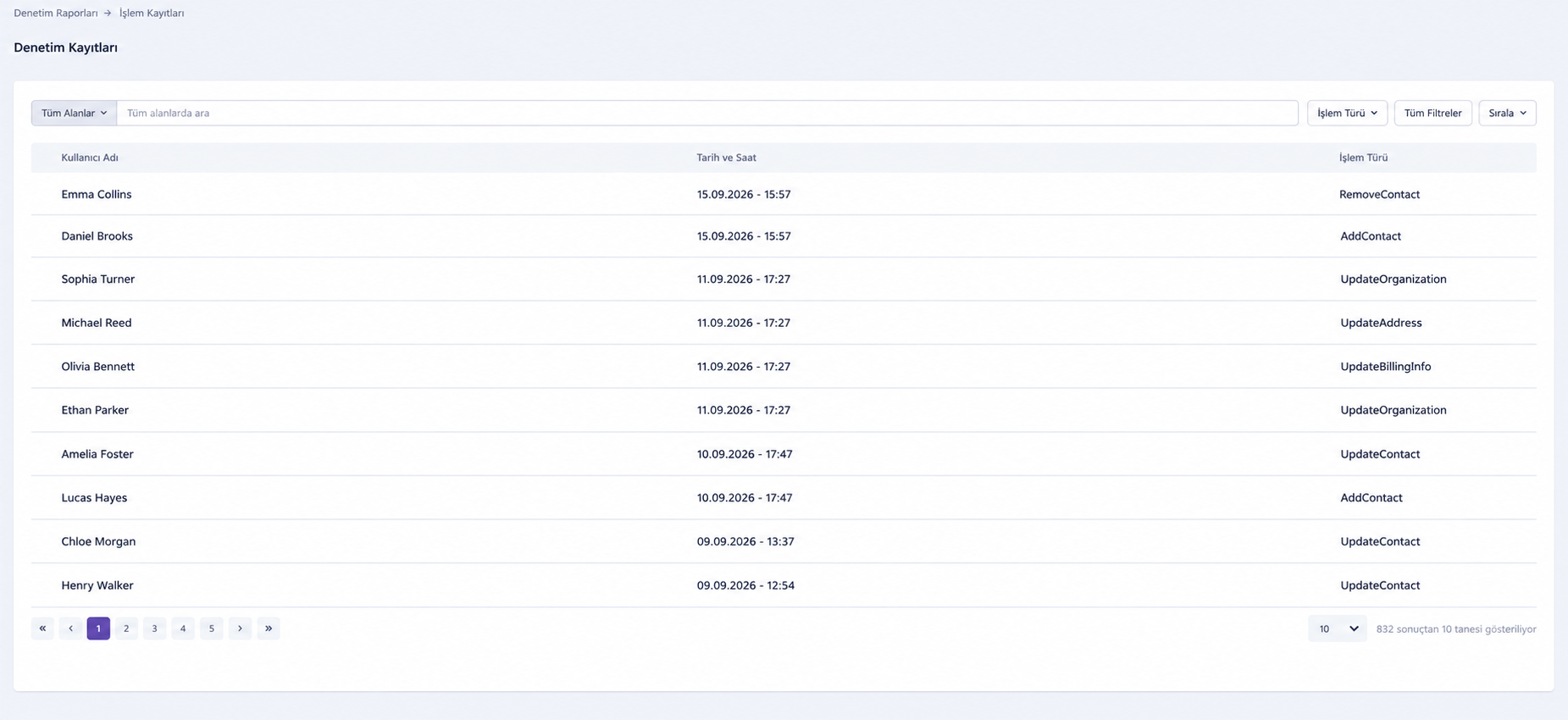
The Audit Report page records user and system actions, helping administrators review historical activity, track changes, and maintain traceability across catalog and operational processes.
Audit Report
The Audit Report displays a detailed history of actions
performed on different entities in Lidia PIM.
Each audit record provides information about what action was performed,
which entity was affected, and when the event occurred.
Review historical system activities.
Track create, update, delete, and other events.
Search and filter audit records.
Sort and group records based on different attributes.
Review detailed information about individual audit entries.
Identify changes made to specific entities.
Audit Log Information
Each audit record can include information such as:
✓
Log ID
Unique identifier of the audit record.
✓
Event Type
Indicates the type of action performed, such as Create, Update,
Delete, or Other.
✓
Entity Type
Identifies the type of record affected, such as a Product,
Category, or Data Pool.
✓
Entity ID
Unique identifier of the affected entity.
✓
Message
Provides a summary of the action performed.
✓
Created Date
Indicates when the event occurred.
Search, Filtering, and Audit Details
Audit records can be searched and filtered using criteria such as
event type, entity type, and entity ID.
Users can also sort records by fields such as date or event type and
group records using available columns. These capabilities make it easier
to review related activities and analyze changes across large volumes of
audit data.
Search audit records using available fields.
Filter by event type, entity type, or entity ID.
Sort records using fields such as date or event type.
Group related records using available columns.
Review messages describing individual system activities.
Inspect additional details about affected data when available.
The Audit Report provides a centralized history of system activity,
helping teams maintain transparency, investigate changes, and support
controlled product information management processes.