Lidia Commerce Documentation

The Settings section contains pages where PIM users can configure and manage system-wide settings. These settings enable effective platform management and customization.

Authorization

The Authorization section includes pages where user roles and permissions are defined and managed within the PIM system. It consists of two main categories:

  • Users: The Users page displays a list of all registered users in the PIM system. Users can be viewed in detail, updated, deleted, and filtered based on their status.
  • Roles: The Roles page lists predefined roles and the number of active users assigned to each role. New roles can be created, and existing roles, including admin roles, can be edited. Permissions for specific pages can also be adjusted, and inactive roles can be deleted.
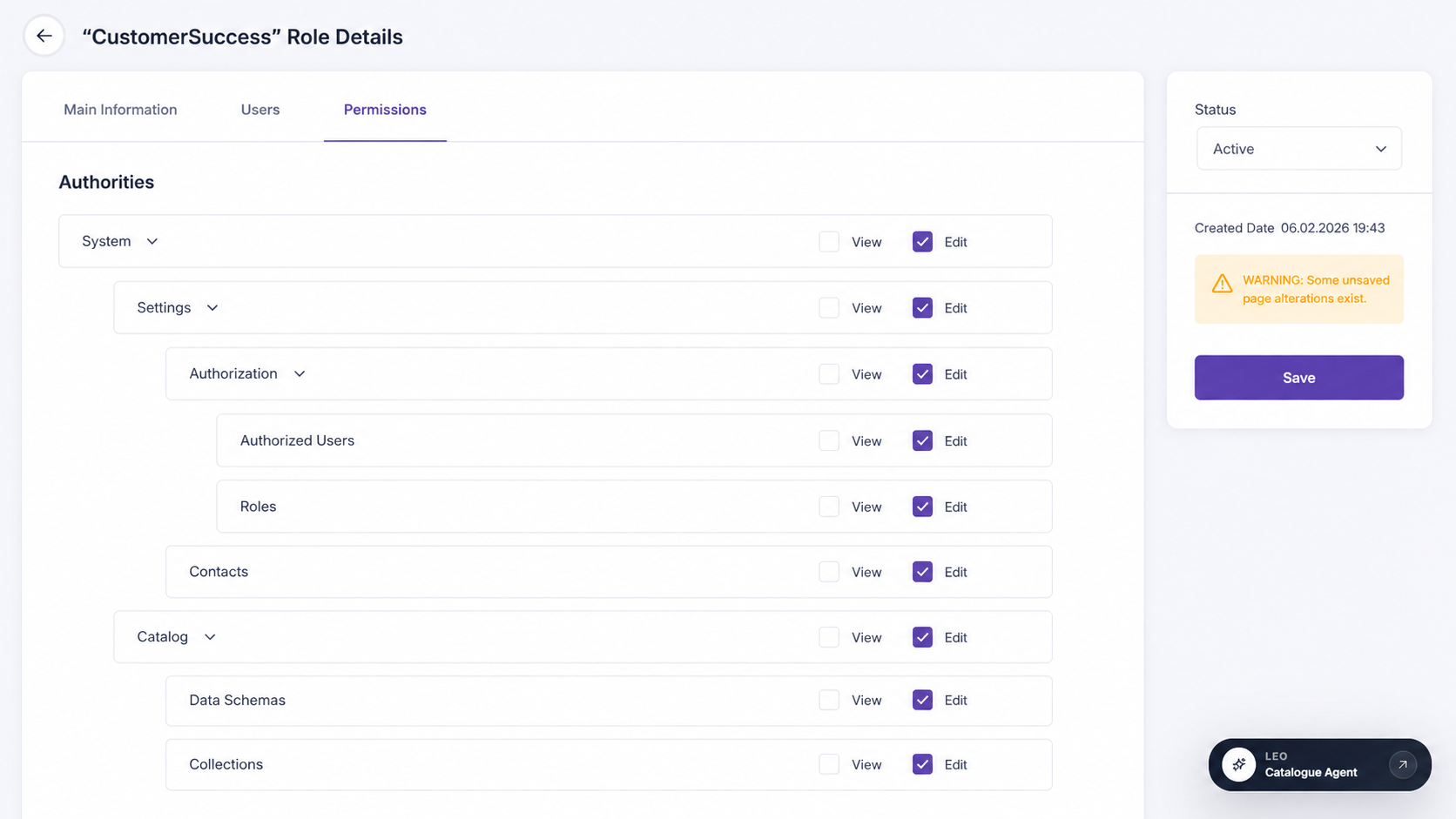
Lidia PIM authorization and role permissions screen

Catalog

The Catalog menu includes pages used to organize, manage, and maintain product data.

Data Schemas

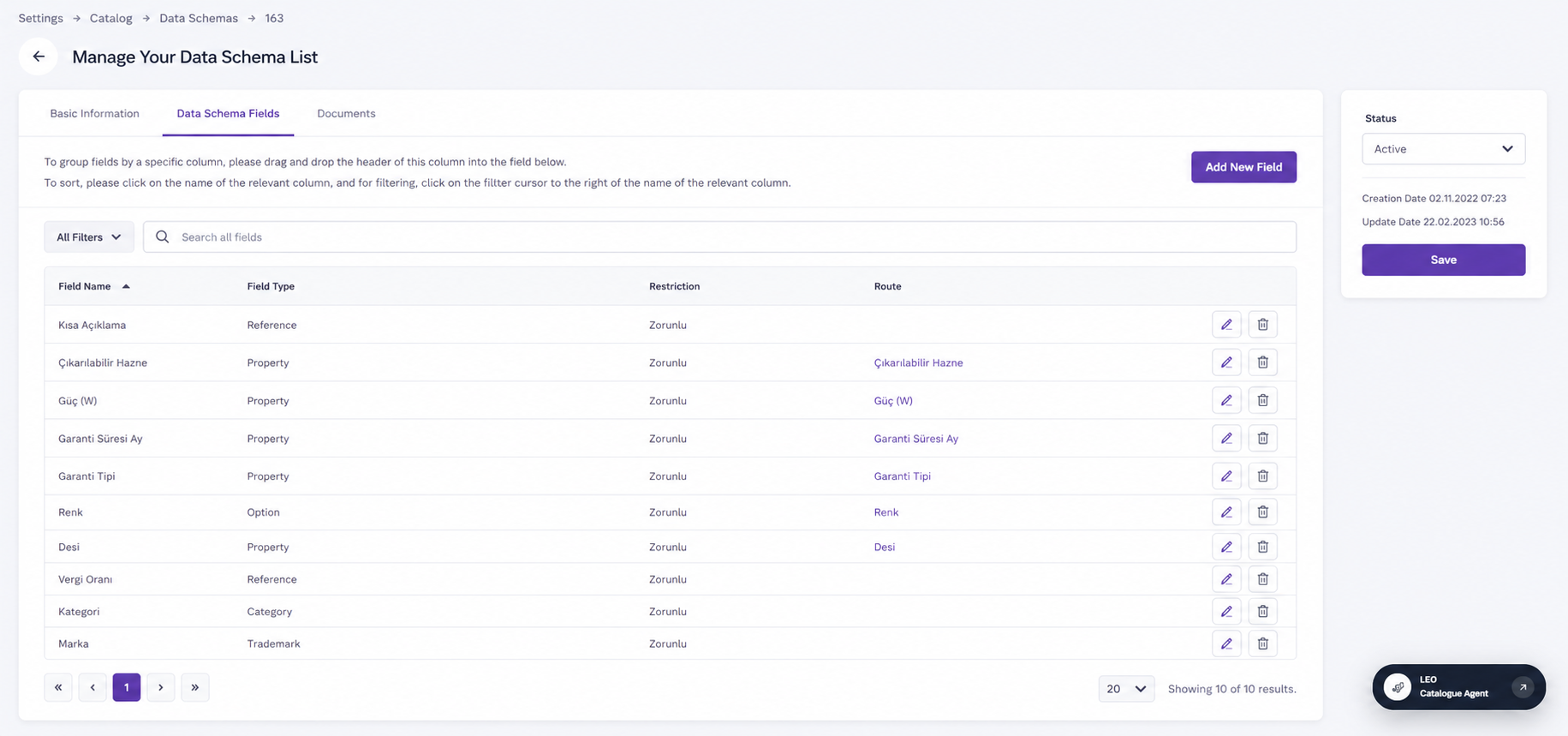
Data Schemas define the structure of product data and determine which fields, properties, options, and other information are used for products managed within the PIM system.

Lidia PIM data schema fields screen
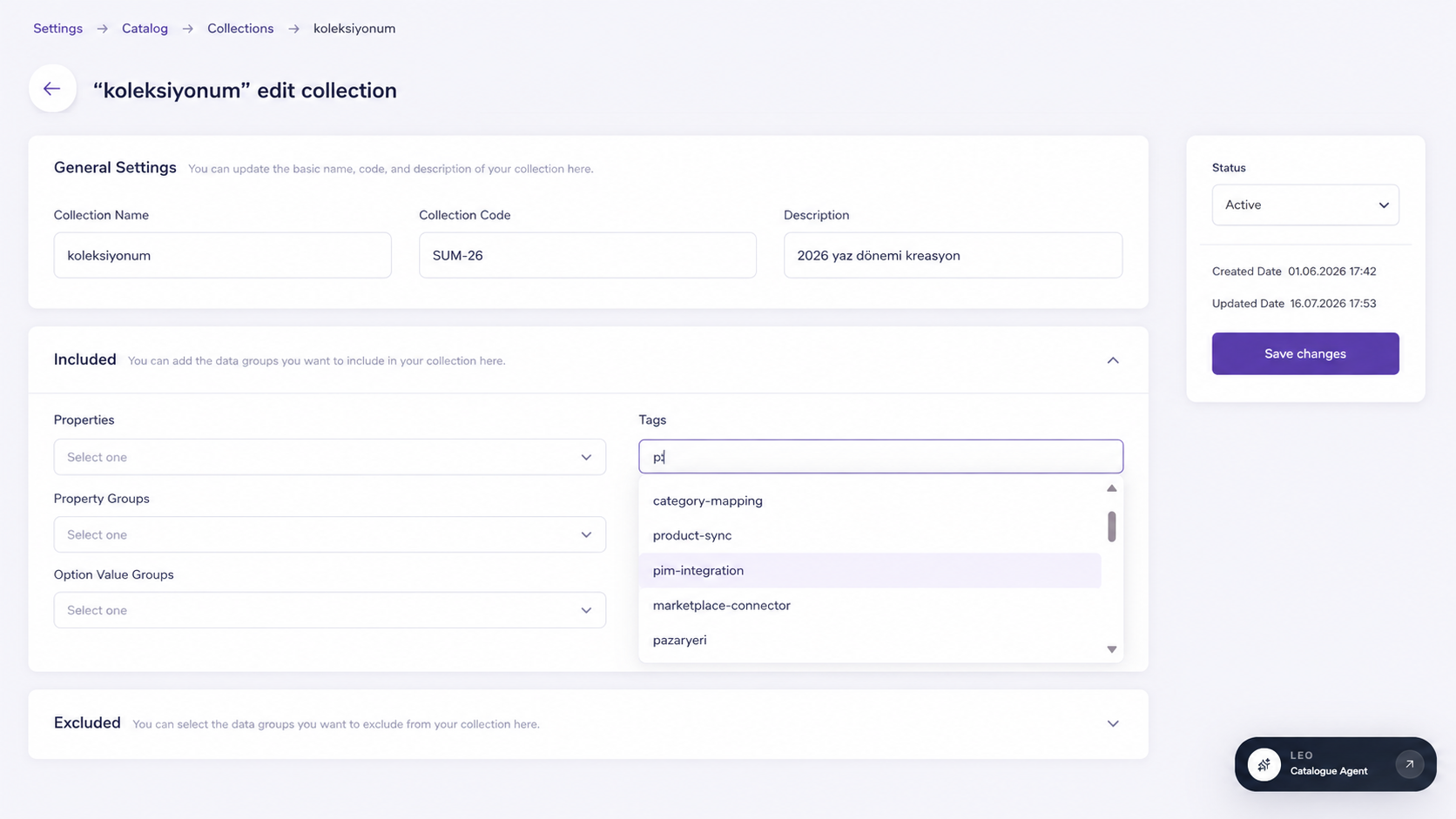
Lidia PIM collection management screen

Collections

The Collections section allows users to view existing collections and create new ones.

Properties

The Properties menu defines specific attributes for products, allowing for more detailed product descriptions. It is divided into two subsections:

Properties

This page defines and manages product attributes such as "128 GB Storage" under "Disk Capacity".

Property Groups

Property Groups categorize similar properties, such as "Technical Specifications" or "Dimensions," for better organization.

Options

The Options menu manages additional product customizations and variations. It consists of three subsections:

Options

The Options page defines product variations such as different colors or sizes.

Option Groups

Option Groups categorize similar options, such as "Colors" or "Sizes," for better management.

Option Value Groups

Option Value Groups store possible values for a specific option. For example, the "Colors" group may contain values like "Red," "Blue," and "Green."

Data Locks

The Data Locks page prevents accidental modifications of critical data, such as product information or pricing.

Category Dimensions

Category Dimensions streamline product navigation within the PIM system by creating filters for product categories.

Product Relations

Product Relations allow linking products to define different types of relationships, including:

  • Main and Sub-Product Relationship
  • Related Product Relationship
  • Accessory Product Relationship

Channels

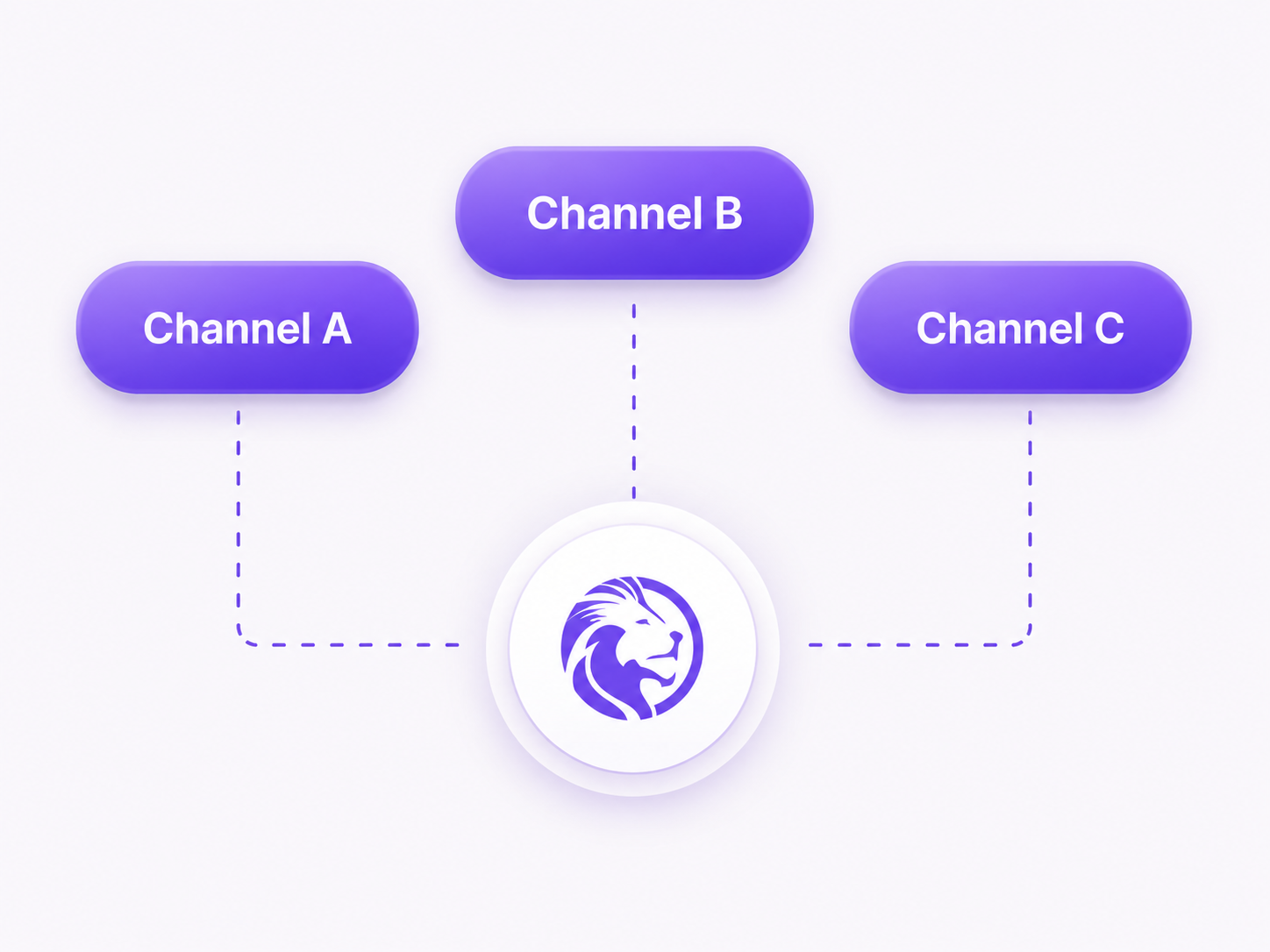
In PIM systems, Channels define where product data is managed and made available for different sales platforms, marketplaces, e-commerce stores, retail locations, and social media platforms. Channels ensure that product data is correctly formatted, optimized, and distributed according to the specific requirements of each platform.

By using Channels, businesses can ensure that products are published with accurate and up-to-date information, improving customer experience and sales performance. Channels also enable product data tracking, updates, and reporting for each platform.

Lidia PIM channel distribution diagram

Tags

Tags provide a centralized area where labels assigned to products, categories, brands, and lists are managed.

Localizations

Localization refers to adapting products and services to specific markets or regions based on cultural, linguistic, and geographic factors. The Localization menu consists of four sections:

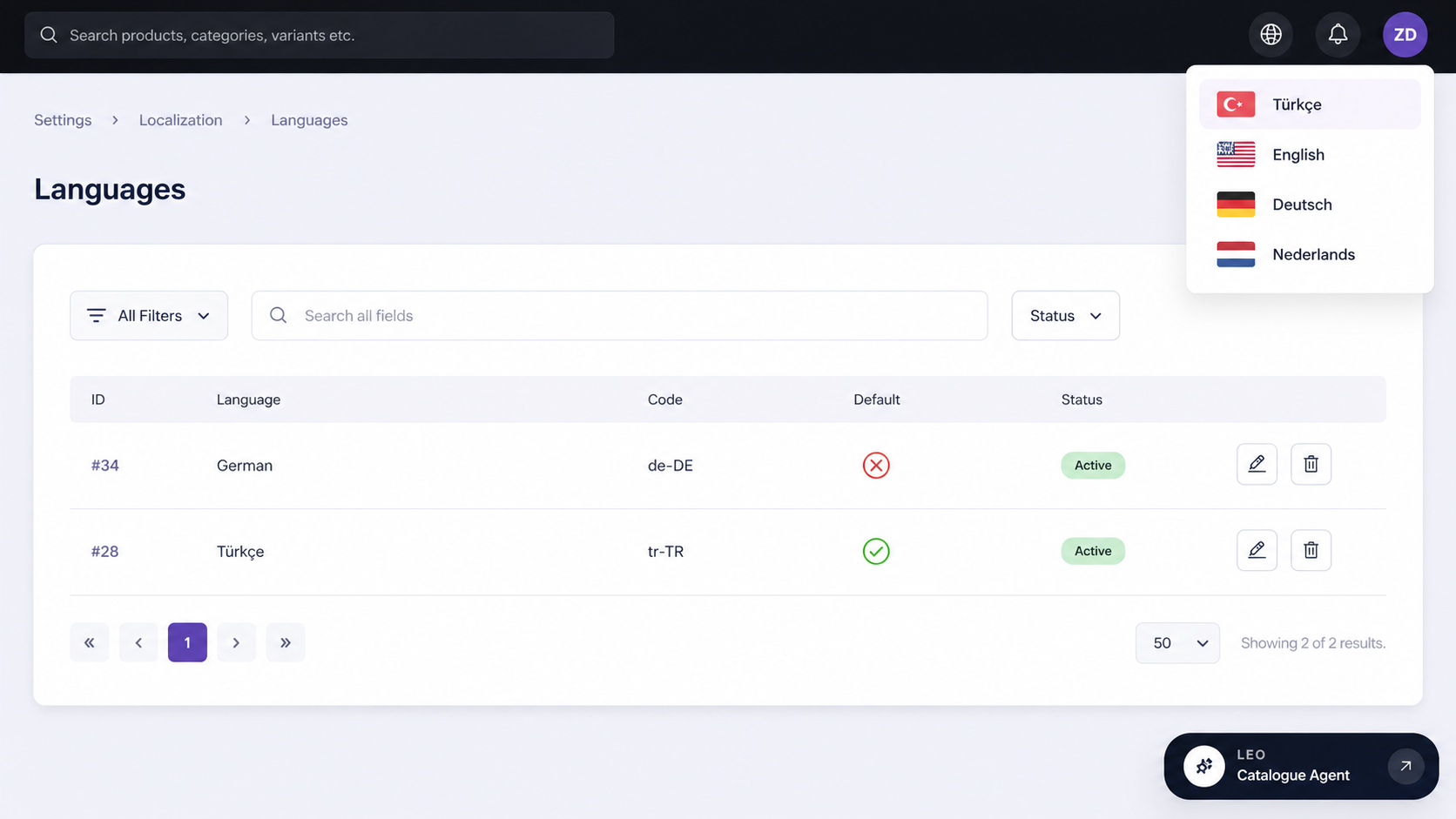
  • Multi-Language: Languages can be centrally defined in the PIM system, allowing product data to be translated and managed in multiple languages.
  • Multi-Currencies: Currency management ensures that product pricing lists are maintained in multiple currencies, with exchange rates managed centrally.
  • Units of Measures: Measurement unit management allows products to have centrally managed dimensions and weight units, ensuring consistency across product data.
Lidia PIM localization and language management screen
<FOOTER>